AGENT·EMILYB

Emily by Co-Desk
co-desk.eu
Voice AI copilot for coworking & coliving operators
AI Agentnofollowproduct_hunt
 MCP Hub
Free Figma agent + Import anything to Figma
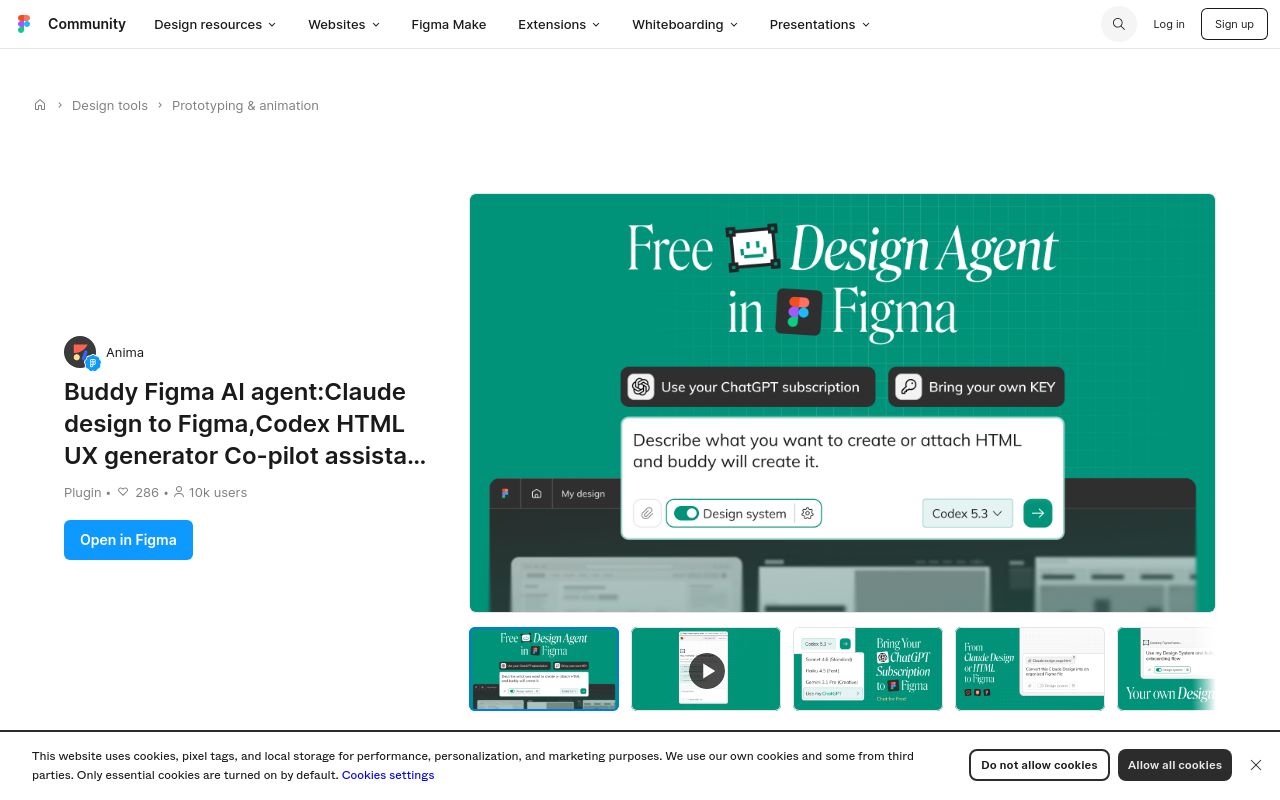
Buddy is a free Figma plugin that serves as an AI-powered assistant for designers and developers. Marketed as a "Figma agent," it enables users to import various design elements into Figma while also converting designs to functional code (HTML, UX, etc.). With Claude and Codex integration, Buddy aims to streamline the design-to-development workflow. The tool has gained traction on Product Hunt (132 votes, 14 comments) and benefits from Figma's high domain authority (DR 92).
Below, we explore Buddy’s commercial intent, core functionalities, use cases, evaluation criteria, alternatives, and FAQs—all based on verifiable sources.
Buddy operates in the competitive design-to-code automation space, targeting UX designers, frontend developers, and product teams. Its commercial intent score of 50 (per available metrics) stems from:
- Strong Backlink Profile (68,068 backlinks): Likely inherited from Figma’s domain authority.
- Product Hunt Validation: 100+ votes suggest genuine user interest.
- Google Trends Stability: Searches for "Figma AI" and "design-to-code" tools show steady demand.
Unlike premium tools, Buddy is free, which may indicate a freemium strategy or future monetization via expanded features. The plugin’s integrations with Claude (AI) and Codex suggest a focus on AI-assisted workflows, aligning with trends in generative design tools.
Buddy’s primary functions, as listed on its Figma Community page, include:
- Convert external design files (e.g., sketches, PDFs) into editable Figma layers.
- Leverages Claude for contextual understanding of design intent.
- Exports Figma frames to HTML, CSS, or React via Codex integration.
- Supports "vibe coding" (rapid prototyping based on loose design inputs).
- Suggests design improvements (e.g., spacing, typography) via AI analysis.
- Acts as a co-pilot for designers, automating repetitive tasks like asset organization.
The tool is Figma-native, requiring no standalone app. Its AI features differentiate it from basic Figma plugins.
- Convert hand-drawn wireframes into Figma designs with AI cleanup.
- Generate boilerplate code for early-stage MVP testing.
- Import legacy design assets (e.g., Adobe XD files) into Figma automatically.
- Enforce consistency via AI-generated style guides.
- Reduce back-and-forth by auto-generating production-ready code snippets.
- Annotate designs with AI-suggested technical specs (e.g., responsive breakpoints).
- Students can use Buddy to learn design-to-code translation without manual coding.
When assessing Buddy against competitors, consider:
- Test fidelity of imported designs and functional correctness of generated code.
- Ensure smooth performance within Figma’s resource constraints.
- Buddy’s "vibe coding" approach may require less precision than tools like Anima.
- Free access is a major advantage over paid alternatives (e.g., Framer, Figma to React plugins).
- Check update frequency via Figma’s plugin version history.
| Tool | Key Difference | Pricing |
|------------------|-----------------------------------------|--------------|
| Anima | Advanced React/Vue code generation | Paid |
| Framer | AI-powered site builder with Figma sync | Freemium |
| Relume Library | Focus on design systems | Free/Paid |
| FigDev | Open-source Figma-to-code | Free |
Note: Buddy’s AI-assisted import and Claude integration are unique among free tools.
Yes. The Figma Community page lists no paid tiers or restrictions.
Unconfirmed, but its code export feature likely complements Dev Mode’s workflows.
Claude (for design analysis) and Codex (for code generation), per the plugin description.
Always review outputs—AI-generated code may lack optimization for scale.
rel="nofollow" per SEO standards.
Final Verdict: Buddy is a promising free tool for designers seeking AI-assisted Figma workflows. Its niche lies in balancing simplicity ("vibe coding") with practical code-generation features. For advanced needs, explore paid alternatives like Anima.
Sources: Figma Community, Product Hunt, Moz Domain Analysis
co-desk.eu
Voice AI copilot for coworking & coliving operators

socialecho.net
AI social media copilot for teams and agents

perplexity.ai
Run AI agents across your local files and apps on Windows