
Browse Codex Pets
Discover custom pet packages for OpenAI Codex CLI and Claude Code. Copy install commands, browse community pets, and open source packages.

By Felix
Ajin is a warm little ink-phoenix made of fire—a calm, curious companion for Codex. 阿烬是一只由温暖火焰凝成的幼态小墨凰:安静、好奇,会轻轻陪在主人身边。

By kagurayuuki1603
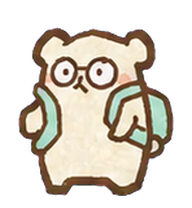
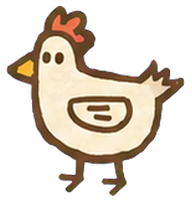
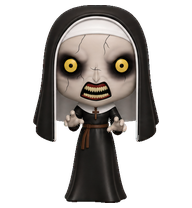
[svt scoups] A shy white rabbit with a soft velvety coat and a surprisingly strong fitness side.

By stanley13
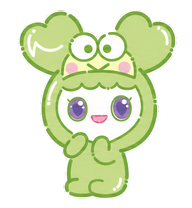
TWICE NAYEON’S LOVELY — NAVELY, at 23 cm tall and 1.3 kg, is positive and loves children.
By stanley13
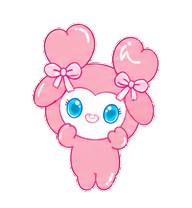
TWICE JEONGYEON’S LOVELY — JEONGVELY, at 22 cm tall and 1.3 kg, is cool and likes keeping everything clean.
By stanley13
TWICE MOMO’S LOVELY — MOVELY, at 22 cm tall and 2.0 kg, is hardworking and loves dancing.

By stanley13
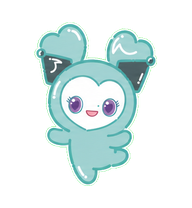
TWICE JIHYO’S LOVELY — JIVELY, at 22 cm tall and 1.3 kg, is shy and loves singing.
By stanley13
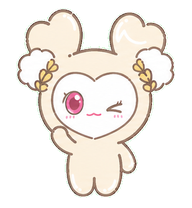
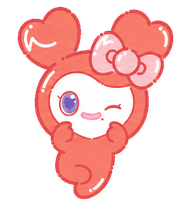
TWICE MINA’S LOVELY — MIVELY, at 21 cm tall and 1.9 kg, is peaceful and likes working hard toward her goals.
What Are Codex Pets?
Codex pets are virtual companions that live in your OpenAI Codex CLI terminal. Use /pet hatch to hatch a new pet, or install a custom pet package to personalize your coding companion. Custom Codex pets are defined by a pet.json file and a spritesheet.webp image — anyone can create and share one. Browse the gallery above to find community-made pets, copy the install command, and run it inside Codex to get your new companion.
Frequently Asked Questions
- How do I install a custom Codex pet?
- Copy the install command from any pet listing on this page, then run it inside your OpenAI Codex CLI session. The pet will replace your current companion.
- How do I hatch a Codex pet?
- Inside the Codex CLI, type /pet hatch to hatch a new pet from your available packages.
- How do I create a custom Codex pet?
- A Codex pet requires two files: pet.json (metadata and animation config) and spritesheet.webp (sprite frames). Host both in a public GitHub repo and submit it here for review.
- What do Codex pets do?
- Codex pets are animated companions visible in the Codex CLI sidebar. They grow, animate, and react as you code.